Bearing TUI
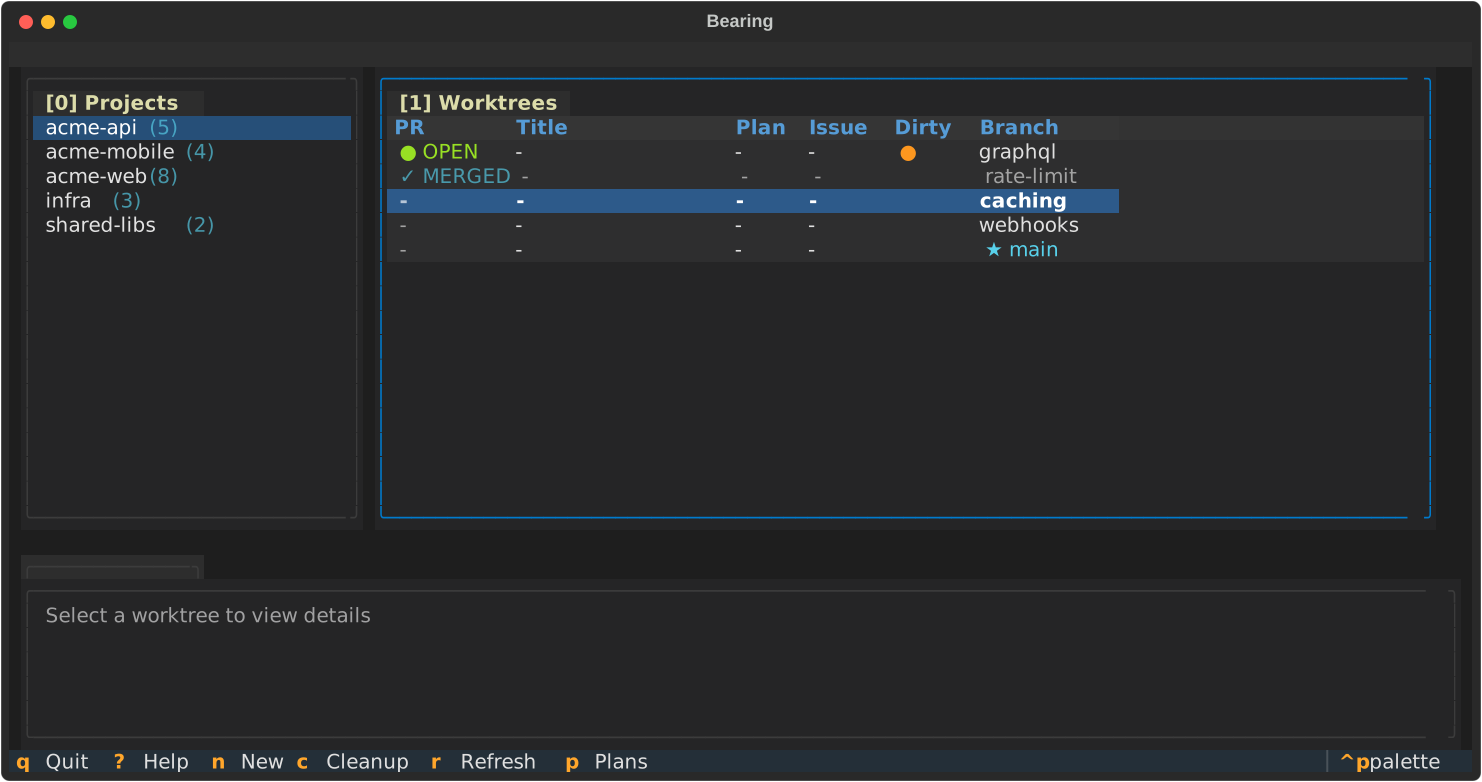
A beautiful terminal user interface for browsing and managing worktrees, inspired by lazygit.
Installation
The TUI is a separate Python package in the bearing-tui worktree.
cd ~/Projects/bearing-tui/tui
make install-dev
Usage
# Run from anywhere in your workspace (auto-detects workspace root)
bearing-tui

# Or specify workspace explicitly
BEARING_WORKSPACE=~/Projects bearing-tui
The TUI automatically walks up the directory tree to find the workspace root (the directory containing local.jsonl or workflow.jsonl).
Keybindings
Press ? for full keybinding help.
| Key | Action |
|---|---|
0 / 1 / 2 | Focus panel by number |
j / ↓ | Move down |
k / ↑ | Move up |
h / ← | Focus left panel |
l / → | Focus right panel |
Tab | Next panel |
Enter | Select item |
n | New worktree |
c | Cleanup worktree |
r | Refresh data |
d | Toggle daemon |
? | Show help |
q | Quit |
Features
Implemented
- Project list panel (left)
- Worktree table panel (right)
- Details panel (bottom)
- Vim-style keyboard navigation
- Numbered panel switching (lazygit-style)
- Help modal
- Darcula-inspired theme
- Auto-detect workspace root
Planned
- Start/stop daemon from TUI
- Create new worktrees
- Cleanup worktrees
- Open worktree in terminal/editor
Development
cd ~/Projects/bearing-tui/tui

# Install with dev dependencies
make install-dev

# Run the TUI
make run

# Run tests
make test
Testing
The TUI uses Textual’s testing framework for headless automated tests:
make testTests can simulate keypresses and verify widget state without rendering to a terminal.